


VPN meaning
VPN meaning, explained
VPN stands for virtual private network. It gives you privacy, security, and access in three key ways.
Privacy
Hide your IP and reduce tracking
Security
Encrypt traffic, especially on public Wi-Fi
Access
Reach a more open internet (travel + restricted networks)
How it protects you
What does a VPN do?
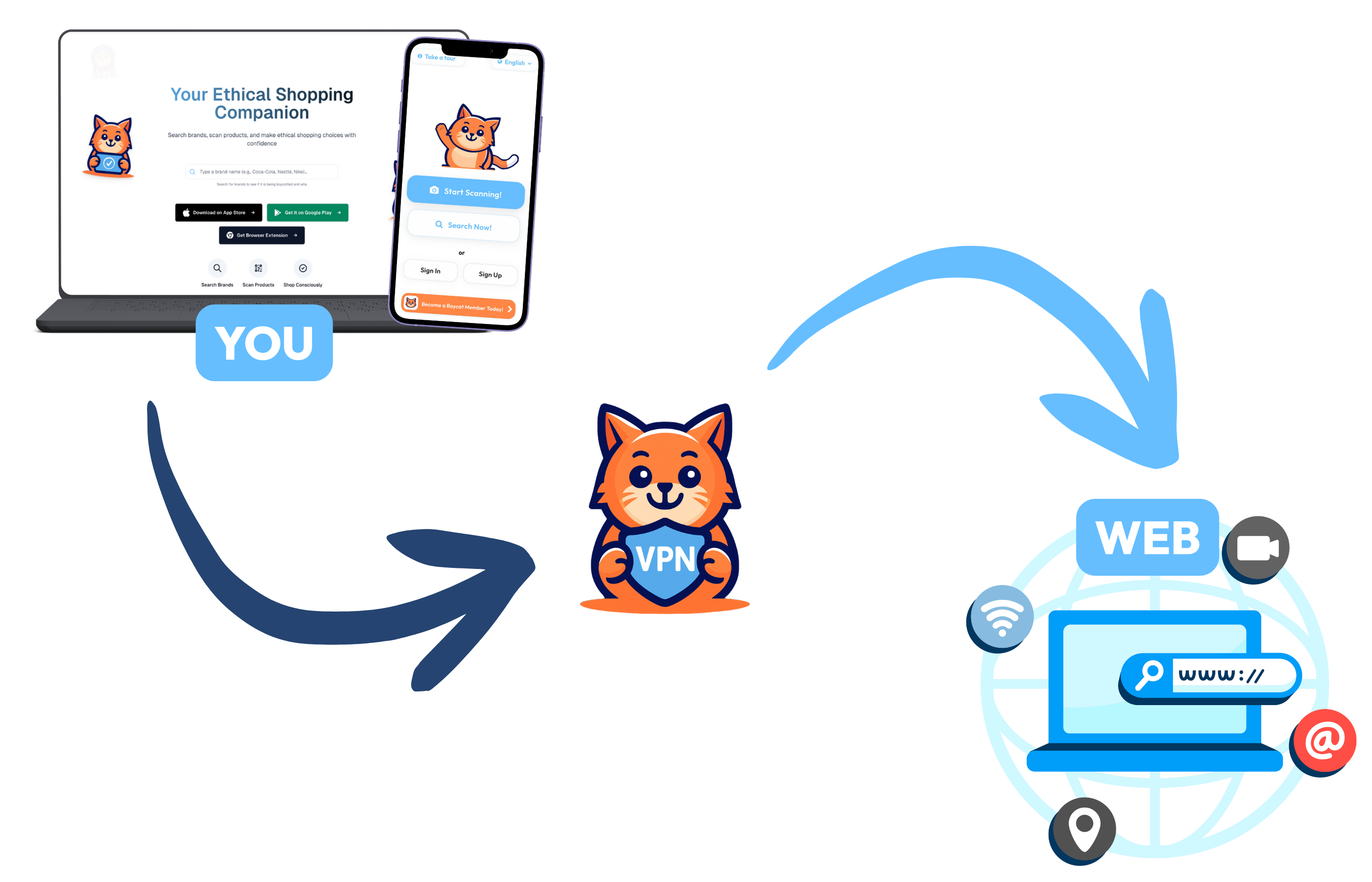
A VPN creates a secure, encrypted "tunnel" between your device and the internet. Think of it as a private pathway that shields your online activity from prying eyes.
- Hides your real IP address: Websites see the VPN server’s IP, not yours
- Encrypts your traffic: Military-grade encryption keeps your data unreadable
- Makes it harder to profile/sell browsing data: Advertisers and ISPs can’t easily track you

How it works
How does a VPN work?
A VPN protects you in three simple steps.
- 01
Connect
Your VPN app creates an encrypted connection to a VPN server.
- 02
Conceal
The VPN server routes your traffic so websites see the server IP, not yours.
- 03
Access
Choose a server in another country to access the internet as if you're there.
Use cases
What is a VPN used for?
Common scenarios where a VPN protects your privacy and security.

VPN for privacy
Prevent ISPs and third parties from tracking your browsing habits

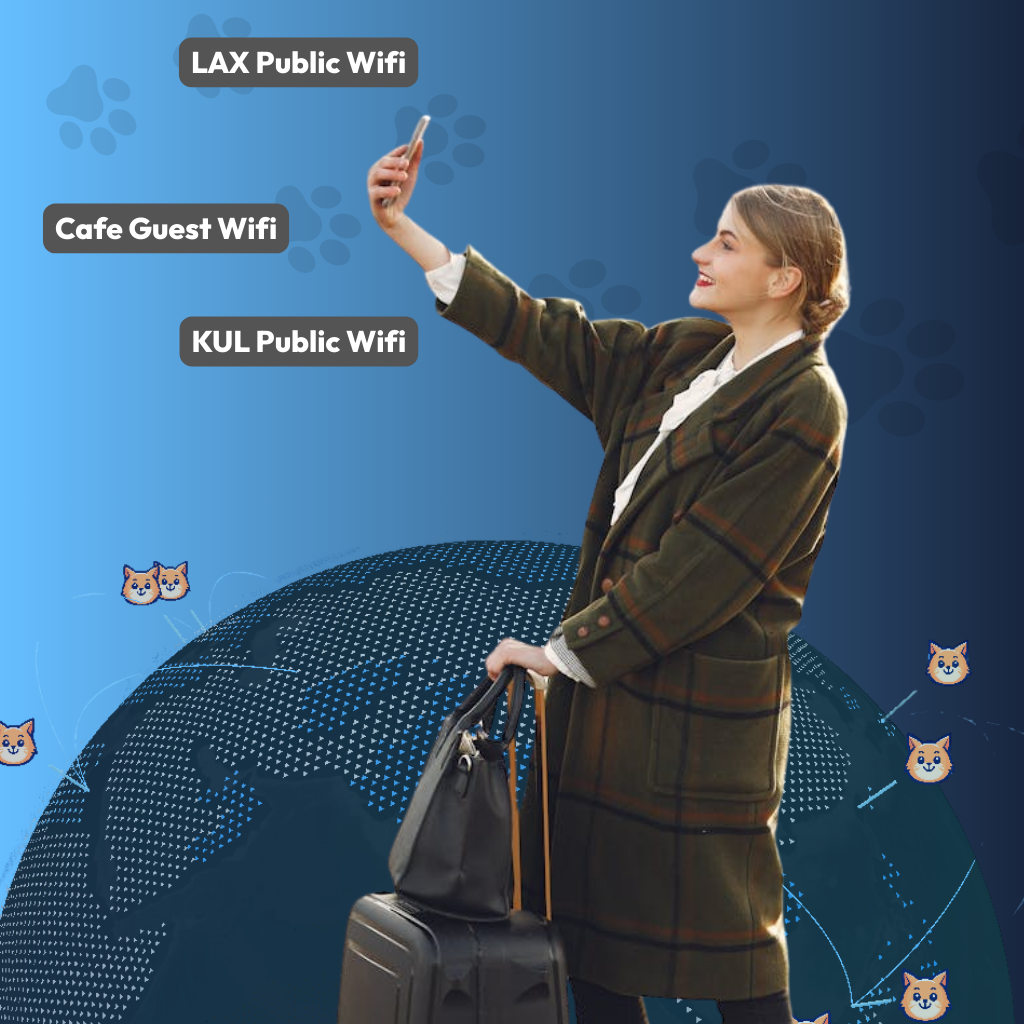
VPN for public Wi-Fi security
Stay safe on coffee shop and airport networks
VPN for travel
Access your usual services while traveling abroad

VPN for streaming
Connect to different regions for varied content libraries

VPN for gaming
Reduce lag and protect against DDoS attacks
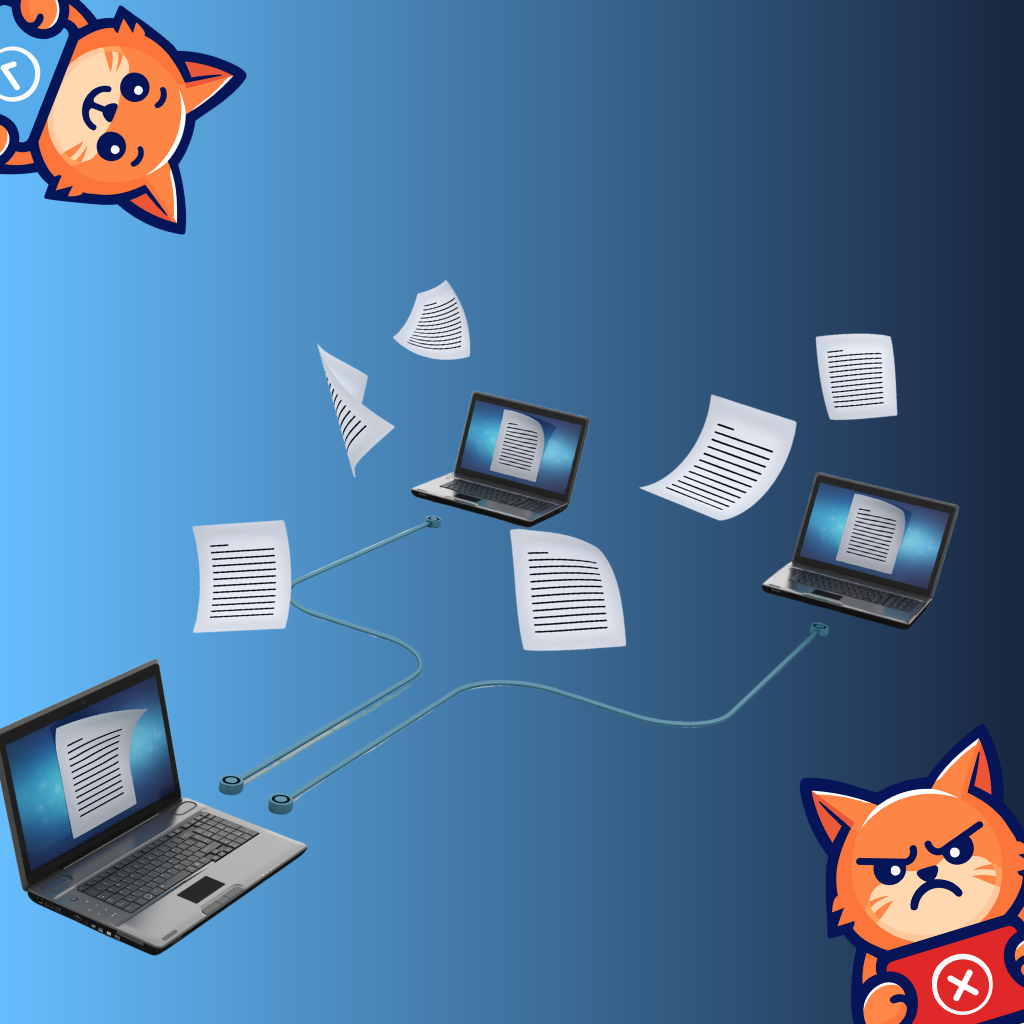
VPN for P2P
Secure and private file sharing
Choosing a VPN
What to consider when choosing a VPN
Not all VPNs are created equal. Here's what matters.
Do they have a clear no-logs policy?
Where are they based?
Do they publish transparency info?
Do they support modern protocols (WireGuard, etc.)?
Are apps simple and reliable?
BuycatVPN checks all these boxes. Built by the Boycat community (3.2M+) with transparency and user trust as our foundation.
Paid VPN vs. free VPN
| Feature | BuycatVPN | Free VPN |
|---|---|---|
| No ads | ✕ | |
| No selling data | ✕ | |
| No data caps | ✕ | |
| Clear privacy policy | ✕ | |
| Modern encryption | ✕ | |
| Real support | ✕ |
Support
Frequently asked questions
Everything you need to know about VPNs.
A VPN improves your privacy, but it doesn't make you completely anonymous. It hides your real IP address and encrypts your internet traffic, which makes it much harder for websites, advertisers, and networks to track you. However, if you log into personal accounts or share personal information, you can still be identified. Think of a VPN as privacy armor, not invisibility.
Yes. Public Wi-Fi networks are often unsecured, which makes it easier for others on the same network to intercept traffic. A VPN encrypts your connection, helping protect your data when you use Wi-Fi in places like cafés, airports, hotels, and libraries. This is one of the most common and practical reasons people use a VPN.
When you use a VPN, your ISP can see that you're connected to a VPN, but it can't see the websites you visit or the content of your traffic. Your browsing activity is encrypted and routed through the VPN server instead. This helps reduce tracking and profiling by ISPs.
A no-logs policy means the VPN provider does not record your browsing activity, connection timestamps, or the websites you visit. In other words, there's nothing stored that could be used to recreate what you did online. A VPN is only as trustworthy as its logging policy, which is why transparency matters.
Using a VPN can slightly reduce speed because your traffic is encrypted and routed through a server. In practice, a high-quality VPN with a large server network often feels just as fast for everyday browsing, streaming, and work. On congested networks, a VPN can sometimes even improve stability.
In most countries, using a VPN is completely legal. Some countries restrict or regulate VPN use, so it's important to understand local laws if you're traveling. A VPN is a privacy and security tool, not an illegal activity.
A VPN helps protect your data in transit, especially on public or shared networks, by encrypting your traffic. While it reduces certain risks, it doesn't replace good security practices like keeping your device updated, using strong passwords, and enabling two-factor authentication. A VPN is one layer in a healthy security setup.
A VPN replaces your real IP address with one from the VPN server you connect to. This makes it appear as if you're browsing from that server's location instead of your actual one. While this helps reduce location-based tracking, GPS-based apps and logged-in accounts may still know where you are.
No. HTTPS encrypts data between your browser and a specific website. A VPN encrypts all internet traffic leaving your device, including apps, background connections, and DNS requests. Using both together provides better overall protection.
Many people keep their VPN on all the time. At a minimum, it's a good idea to use a VPN when: connecting to public Wi-Fi, traveling, working remotely, or browsing on unfamiliar networks. Using a VPN regularly helps build safer browsing habits.
Some VPNs offer DNS-level blocking that can reduce ads, trackers, and malicious domains. This helps limit third-party tracking, but it's not the same as a full browser-based ad blocker. A VPN focuses on privacy at the network level.
When choosing a VPN, look for: a clear and honest no-logs policy, transparent ownership and jurisdiction, modern encryption and protocols, clear explanations of how the service works, and a business model that doesn't rely on selling user data. Trust matters, because your VPN sits between you and the internet.
Many free VPNs make money by showing ads, tracking users, or selling browsing data. Some also limit speed, data, or security features. If you choose a free VPN, it's important to understand how it's funded and what trade-offs are involved. Privacy tools should respect your privacy.